Top Linux Commands Every Fresher Must Know | Beginner's Guide
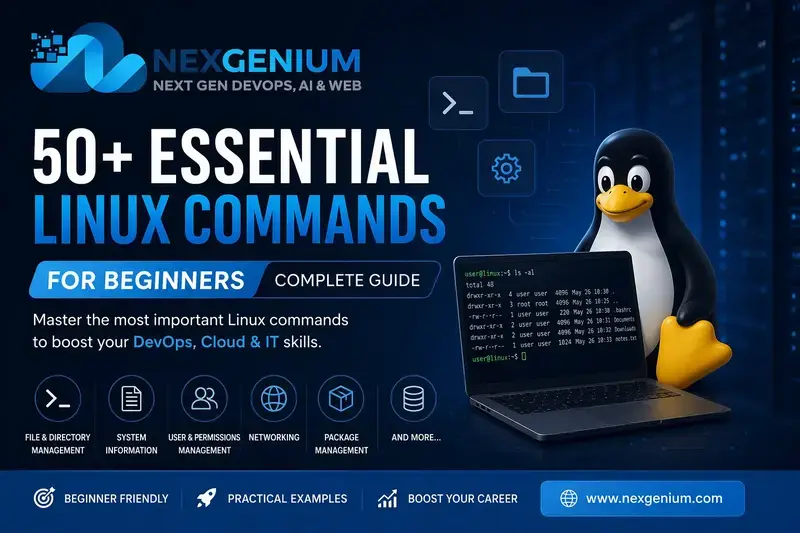
🐧 50+ Essential Linux Commands for Beginners (Complete Guide)
If you're starting your journey in Linux, mastering basic commands is the first step toward becoming a pro. Whether you're a DevOps Engineer, Developer, or System Administrator, Linux commands are your daily tools.
In this guide, you’ll learn 50+ essential Linux commands every beginner should know, explained in a simple and practical way.
📌 What is Linux?
Linux is an open-source operating system widely used in servers, cloud computing, and development environments. Most platforms like AWS, Docker, and Kubernetes rely heavily on Linux.
📂 1. File & Directory Management Commands
These commands help you navigate and manage files.
pwd        # Show current directory
ls         # List files
ls -l      # Detailed list
ls -a      # Show hidden files
cd dir     # Change directory
cd ..      # Go back one directory
mkdir dir  # Create directory
rmdir dir  # Remove empty directory
rm file    # Delete file
rm -rf dir # Delete directory
cp file1 file2   # Copy file
mv file1 file2   # Move/rename file
touch file       # Create empty file
📄 2. File Viewing & Editing
cat file        # View file content
less file       # Scroll file content
head file       # First 10 lines
tail file       # Last 10 lines
tail -f file    # Live log monitoring
nano file       # Edit file (easy editor)
vi file         # Advanced editor
🔍 3. Search & Filter Commands
grep "text" file      # Search text
grep -i "text" file   # Case insensitive
find / -name file     # Find file
locate file           # Quick search
which command         # Path of command
⚙️ 4. System Information Commands
uname -a     # System info
top          # Running processes
htop         # Better process viewer
df -h        # Disk usage
du -sh       # Folder size
free -m      # Memory usage
uptime       # System uptime
whoami       # Current user
👤 5. User Management Commands
adduser user       # Create user
passwd user        # Set password
userdel user       # Delete user
usermod            # Modify user
groups             # Show groups
🔐 6. Permissions Commands
chmod 755 file     # Change permission
chown user file    # Change owner
chgrp group file   # Change group
🌐 7. Network Commands
ping google.com        # Check connectivity
ifconfig               # Network config (old)
ip a                   # Network config (new)
netstat -tulnp         # Open ports
ss -tulnp              # Better netstat
curl url               # Fetch URL
wget url               # Download file
📦 8. Package Management (Ubuntu/Debian)
apt update        # Update packages
apt upgrade       # Upgrade packages
apt install pkg   # Install package
apt remove pkg    # Remove package
📁 9. Compression & Archiving
tar -cvf file.tar dir   # Create tar
tar -xvf file.tar       # Extract tar
gzip file               # Compress
gunzip file.gz          # Decompress
zip file.zip file       # Zip
unzip file.zip          # Unzip
🔄 10. Process Management
ps aux          # Show processes
kill PID        # Kill process
kill -9 PID     # Force kill
bg              # Background job
fg              # Foreground job
🧠 11. Useful Shortcuts & Tricks
history         # Show command history
clear           # Clear terminal
alias           # Create shortcut
exit            # Exit terminal
🚀 Bonus Commands (Advanced Beginners)
echo "text"      # Print text
env             # Environment variables
export VAR=val  # Set variable
cron            # Schedule tasks
ssh user@ip     # Remote login
scp file user@ip:/path   # Copy over SSH
💡 Tips for Beginners
- Practice daily on a Linux system or VM
- Use
man commandto learn more - Try commands in real scenarios
- Avoid using
rm -rfwithout understanding
🎯 Conclusion
Learning Linux commands is a must-have skill in today’s tech world. These 50+ commands will give you a strong foundation to start your journey in:
- DevOps 🚀
- Cloud ☁️
- Cybersecurity 🔐
- Backend Development 💻
🔥 Call to Action
Want to master Linux, Cloud, and DevOps with real-world training?
👉 Contact us: [email protected]
👉 Join our professional training programs today!
About NexGenium
Senior Solutions EngineersNexGenium technical practitioners providing production-grade engineering, cloud infrastructure solutions, and industry training.